Dress Up reports · ^du_report(23) · 2026-10-29 · work in progress · about Messed Up Dress Up
DOING THINGS
IN MESSED UP
DRESS UP
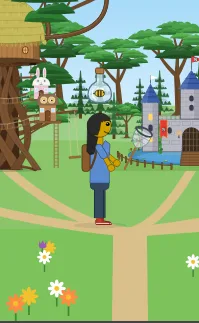
Matthew, 2026-10-29: “another young player's guide ... how to use the backpack: make visible, place item inside, take item out and place into world”; “document how to pick up pots and swing tools in this manual too”; “a full walk through of the dungeon, and each other set of dynamic interactions we've set up (bottle and bee, etc) with a warning that this part of the doc spoils puzzles.”
2 · THE ACTION BUTTON
3 · PUT ON THE BACKPACK
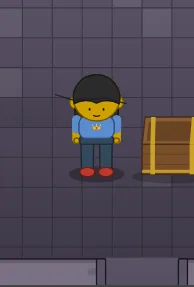
4 · OPEN A TREASURE CHEST
5 · LOOK INSIDE
6 · TAKE ONE OUT
7 · PICK IT UP AGAIN
8 · POTS: LIFT AND THROW
9 · GO EXPLORING
10 · TOOLS: HOLD AND SWING
11 · FLOOR SWITCHES
12 · PUZZLES TO SOLVE 🧩
13 · THE DUNGEON 🗝️
14 · MAKE UP A STORY
15 · THE QUICK CARD
⚠️ SPOILERS: HOW TO SOLVE EVERYTHING
ABOUT THIS GUIDE
1THINGS TO DO
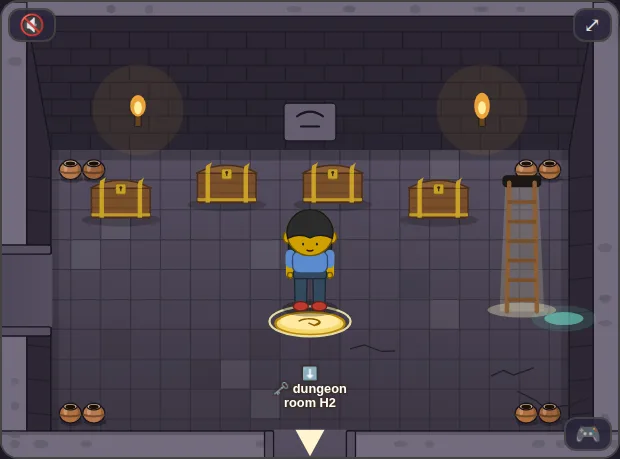
In Messed Up Dress Up, your friend can do things, not just walk around. They can open treasure chests, pick things up, carry them in a backpack, put them down somewhere new, lift pots and throw them, swing a bug net, and press floor switches.
This guide shows you how. There are puzzles to solve, and a whole dungeon to explore!
2THE ACTION BUTTON
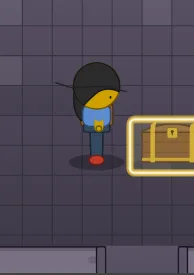
When your friend is close to something they can use, it glows, like a door does. Then press the action button:
- On a keyboard: Enter.
- On a game controller: the 🫳 button (the same one that goes through a glowing door).
- No keyboard? Tap it (or click it). Your friend walks over and does it.
When you point at it, it says what will happen: 💰 open the chest, 🎒 pick it up...
3PUT ON THE BACKPACK
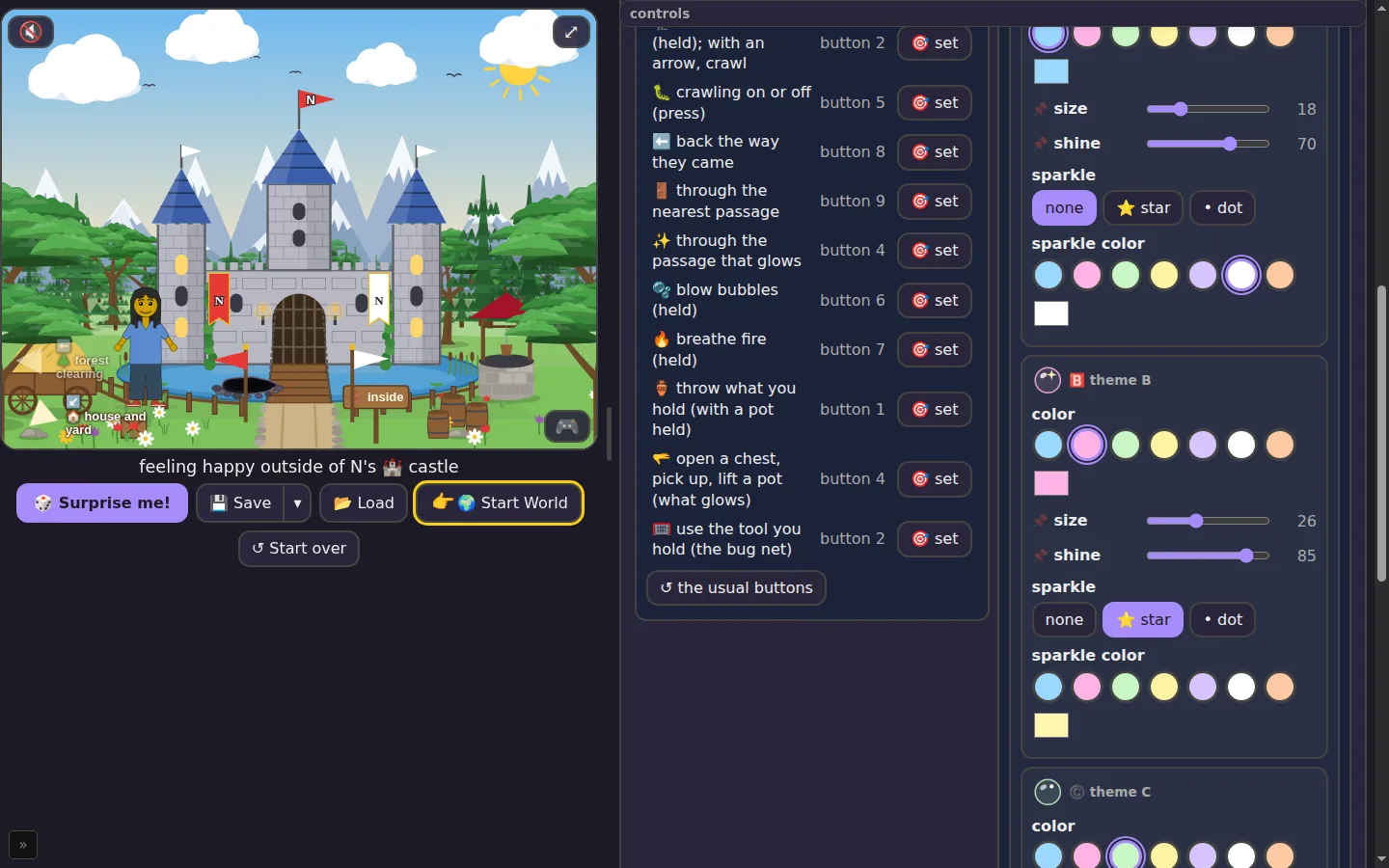
- Open the 🎒 Backpack tab.
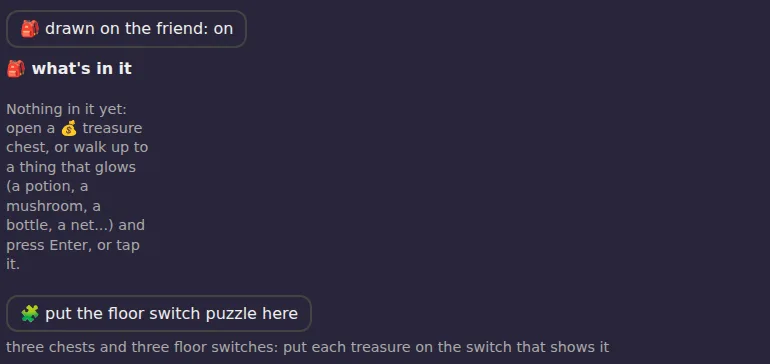
- Press 🎒 drawn on the friend.
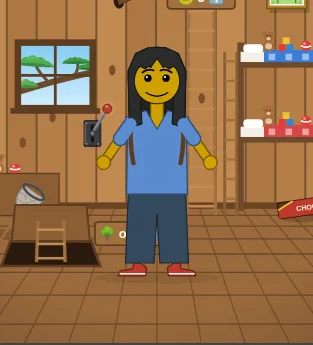
Now your friend wears it! Press it again to take it off. The things inside stay inside.
4OPEN A TREASURE CHEST
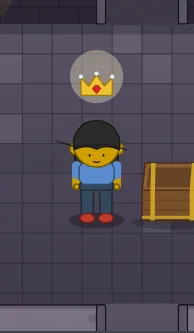
A shut treasure chest 💰 has a surprise in it. Walk up to it. When it glows, press the action button.
The lid opens, the treasure flies up over your friend's head, and you hear music. Then the treasure goes into the backpack, and the chest is empty.
5LOOK INSIDE
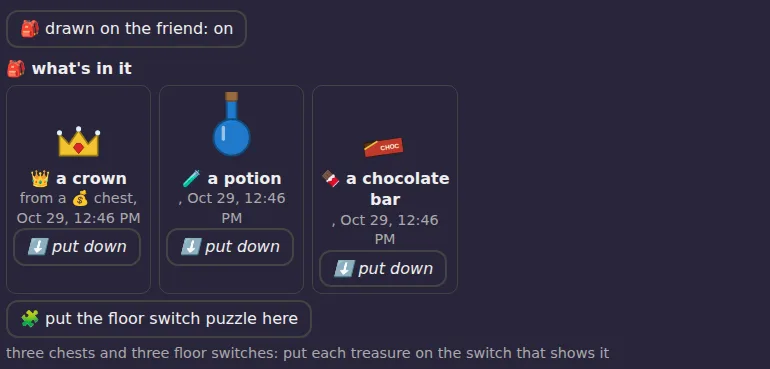
In the 🎒 Backpack tab, under 🎒 what's in it, everything you carry has a card: its picture, its name, and when you got it.
6TAKE ONE OUT
Every card has a ⬇️ put down button. Press it, and your friend puts that thing on the floor, right in front of them.
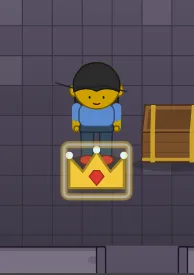
Walk somewhere else and put down another one. You can decorate a whole room with your treasures!
7PICK IT UP AGAIN
Walk up to a thing on the floor. When it glows, press the action button (or tap it). It flies back into the backpack.
8POTS: LIFT AND THROW
The dungeon rooms have pots. Walk up to a pot and press the action button: your friend lifts it over their head.
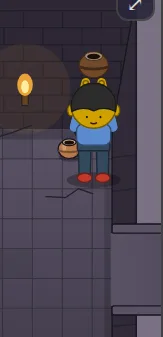
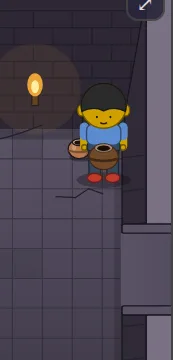
To throw it, press T on a keyboard, or A on a controller. The pot flies the way your friend is facing, and... crash!
9GO EXPLORING
Some rooms have things lying about that you can pick up. The healer, the witch and the blacksmith all keep interesting things in their rooms. What will you find?
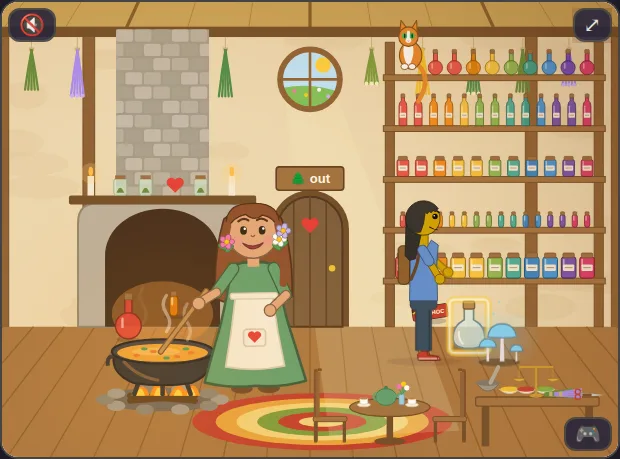
New things you can carry: 🧪 potions, 🍄 small mushrooms, 🍫 a chocolate bar, 🍾 a glass bottle, 🥅 a bug net, 🪨 rocks, 🗿 a little statue, 🔨 a hammer, 🧲 a horseshoe, and more. You can also put these anywhere yourself: in 🏞️ Background, 🪨 things to put here, look in 🎒 to carry.
10TOOLS: HOLD AND SWING
A tool is something you use with your hands. The first tool is the 🥅 bug net.
- Find the bug net and put it in your backpack.
- On its card, press ✋ hold it. Now your friend holds the net.
- Press U on a keyboard, or Y on a controller, to swing it. (No keyboard? Tap a bee.)
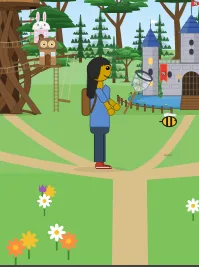
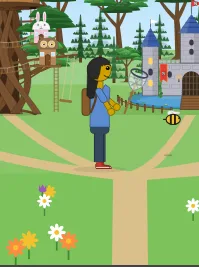
To stop holding it, press 🎒 put it away. While you hold a tool, Y swings it instead of crouching.
11FLOOR SWITCHES
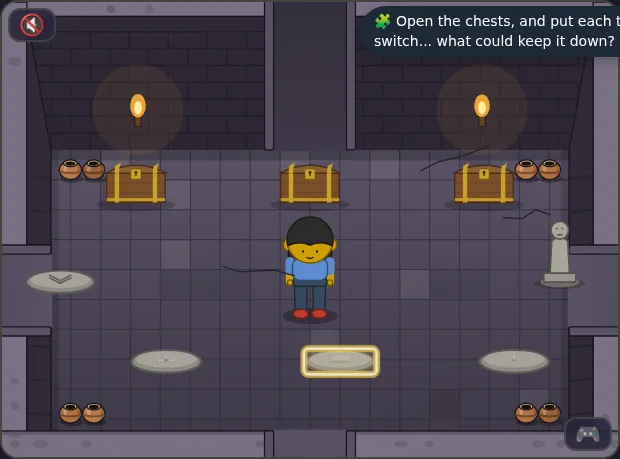
A floor switch is a stone in the floor that can be pressed down. When it is down, it glows gold. There are two kinds:
- 🔁 Step-on switches go down when you step on them, and up again the next time you step on them.
- ⬇️ Hold-down switches are only down while something is on them. Stand on one, and it goes down. Step off, and it comes up again! To keep it down, put something on it: a 🪨 rock, or a 🗿 statue.
Some hold-down switches have a picture on them. Only the thing in the picture can hold that one down. Walk up to it and press the action button: if that thing is in your backpack, your friend puts it on the switch. If not, they tell you what it wants.
12PUZZLES TO SOLVE 🧩
CATCH A BEE 🐝
Can you catch a bee? You need two things: a 🥅 bug net to catch it, and an empty 🍾 glass bottle to keep it in. Where could they be? (A hint: one is up in the trees, and the other is with someone who makes medicine.) Then find a bee, hold the net, and swing!
THE FLOOR SWITCH PUZZLE
In the 🎒 Backpack tab, press 🧩 put the floor switch puzzle here. Chests appear, and floor switches with pictures. Can you get all the switches down at once?
13THE DUNGEON 🗝️
Deep under the world there is a dungeon: a maze of 64 stone rooms. Somewhere in the start world there is a way down. Somewhere in the dungeon there is a treasure room... and a way back out.
Some walls in the dungeon are gates. A floor switch opens each one. Look around each room: what could press it?
14MAKE UP A STORY
The things in your backpack can be the start of a story. Some ideas:
- The healer needs a 🍄 mushroom for a potion. Can you bring her one from the witch's room?
- Leave a 🍫 chocolate bar in the tree house as a surprise for a friend.
- Take the 🔨 hammer and 🧲 horseshoe from the smithy to the farm.
- Put a treasure in a chest for someone else to find!
15THE QUICK CARD
Do the glowing thing: Enter, 🫳 on a controller, or tap it
Put the backpack on: 🎒 tab, 🎒 drawn on the friend
Open a chest: walk up, action
Pick a thing up: walk up, action
Put a thing down: its card, ⬇️ put down
Lift a pot: walk up, action
Throw it: T, or A
Hold a tool: its card, ✋ hold it
Swing it: U, or Y
Press a switch: stand on it, or put something on it
Let a bee go: its card, 🐝 let it go
⚠️SPOILERS: HOW TO SOLVE EVERYTHING
WHERE EVERYTHING IS
| where | what you can find |
|---|---|
| 🌿 the healer's hut | 🧪 two potions, 🍾 a glass bottle, 🍫 a chocolate bar, 💡 a glowing mushroom |
| 🧙 the witch's room | 🧪 two potions, 🍄 three mushrooms |
| ⚒️ the smithy | 🔨 a hammer, 🧲 a horseshoe, 🗡️ a sword, 🛡️ a shield, 🪖 a helmet |
| 🌳 the tree house | 🥅 the bug net, 🍫 a chocolate bar |
| 🌼 the clearing, the forests | 🐝 bees |
| 🗝️ the dungeon | chests, rocks, a statue, mushrooms, potions... see the map below |
CATCHING A BEE: THE ANSWER
- Go to the tree house (inside, up the ladder). Pick up the 🥅 bug net.
- Go to the healer's hut. Pick up the 🍾 glass bottle.
- In the 🎒 tab, press ✋ hold it on the net's card.
- Go to the clearing or a forest, walk up to a 🐝 bee, and swing (U, Y, or tap the bee).
- The bee goes into the bottle, the cork goes on, pop!, and the bottle goes into your backpack.
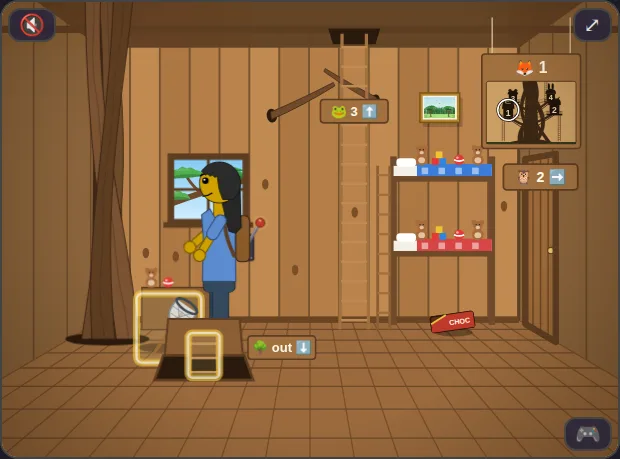
Swing without an empty bottle and the bee just buzzes away. To set it free, press 🐝 let it go on its card.
THE FLOOR SWITCH PUZZLE: THE ANSWER
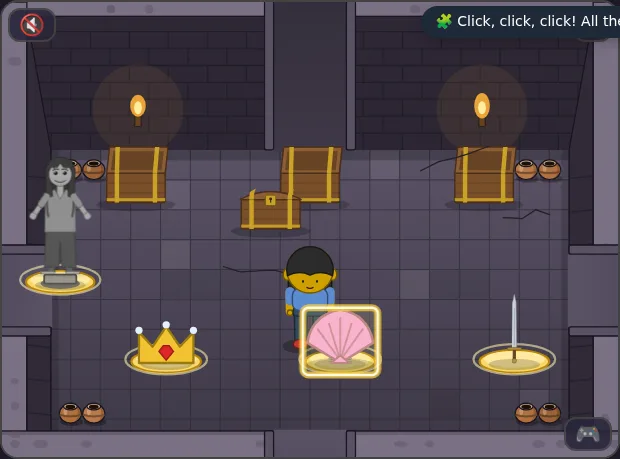
Open the three chests: they give a 👑 crown, a 🐚 shell and a 🗡️ sword. Put each one on the switch with its picture (walk up to the switch and press the action button). The fourth switch takes anything: pick up the 🗿 statue and put it there. When every switch is down, click, click, click! A new chest appears with a surprise inside: a 🥚 dragon egg!
THE DUNGEON: THE WHOLE WAY THROUGH
The map. ⬇️ is where you come in, 👑 is the treasure room. The red bars are the three gates, numbered in the order you reach them. 💰 is a chest, ⬜ a floor switch, and the other pictures are things to find.
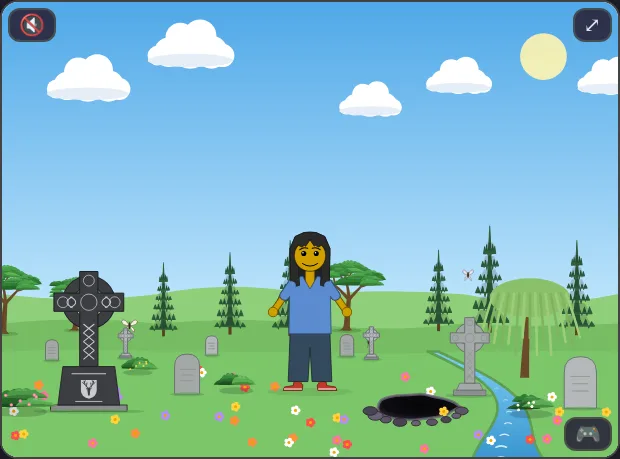
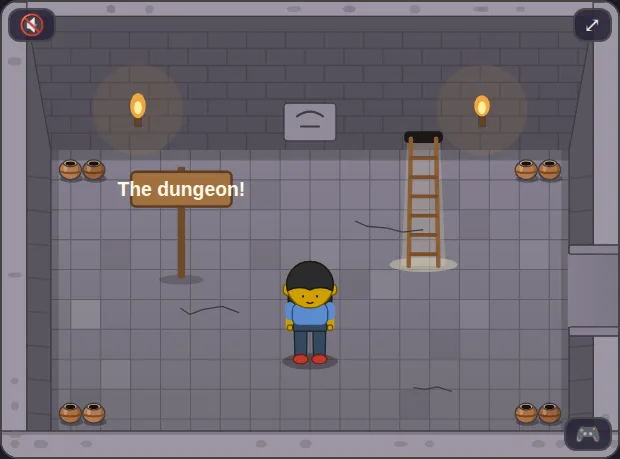
1. The way in. In the start world, go to the cemetery. There is a dark ⚫ hole in the ground. Go into it, and you are in the dungeon's first room. A 🪜 ladder there takes you back up, any time.
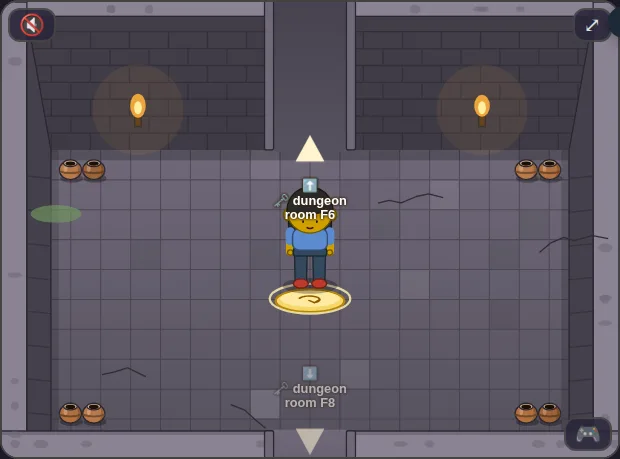
2. Gate 1: step on it. Find the room with a floor switch in the middle. Step on it: the switch goes down, and a wall rumbles open. (It is a step-on switch: step on it again and the way shuts!)
3. Gate 2: a rock. This switch is a hold-down switch. Standing on it opens the way, but when you walk to the way, it shuts again! There is a 🪨 rock in the room. Pick it up, walk to the switch, and press the action button to put the rock on it. Now the way stays open.
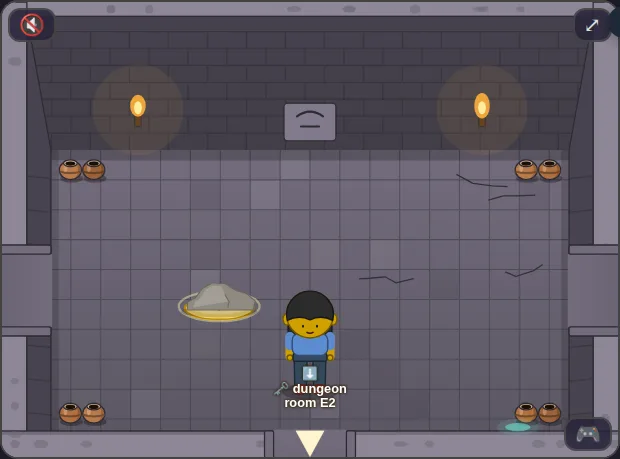
4. Gate 3: the gems. This switch has a picture of 💎 gems. Somewhere in the side passages before it there is a chest with gems in it (look at the map). Open it, bring the gems back, and put them on the switch.
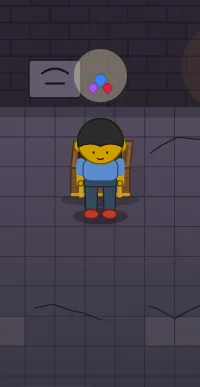
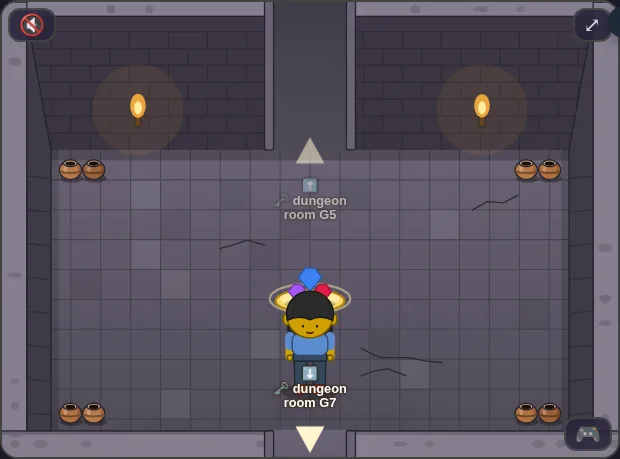
5. The treasure room. At the far corner there are four chests: a 👑 crown, 🪙 gold, 💎 gems, and a 🥚 dragon egg. Open them all!
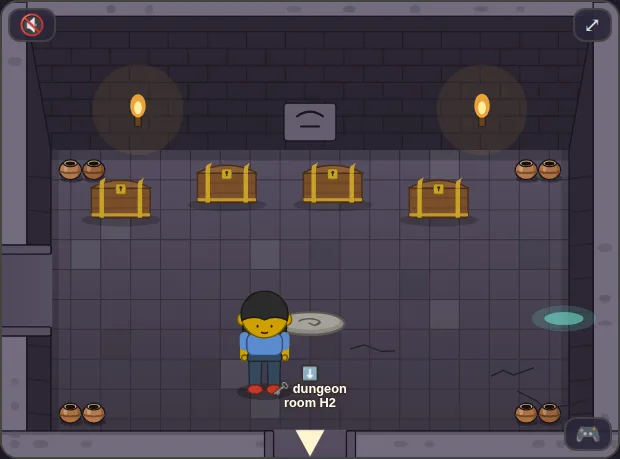
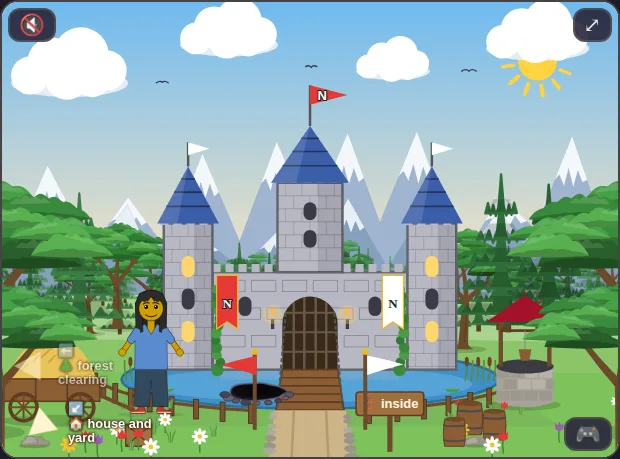
6. The way out. There seems to be no way out... but there is a floor switch. Step on it, and a 🪜 ladder appears! Climb it, and you come out in the castle. (The castle now has a hole down into the treasure room, too.)
✎ABOUT THIS GUIDE
Every picture is of Messed Up Dress Up 0.0.464, taken by tools/checks/packguide639.mjs (kids-choice-games) on GitHub's computers, run 40875679688. The map is drawn from the maze the same run read out of the game.
The backpack is ^ticket(632), the chests ^ticket(631), the pots ^ticket(629), and this guide and everything new in it (things to carry, tools, floor switches, the dungeon) ^ticket(639). Made for M and N, on a day off school, for reading and for playing.